Personal project, iPhone
PaintMatch
An iPhone app that finds the closest real paint colors to any spot in a photo.
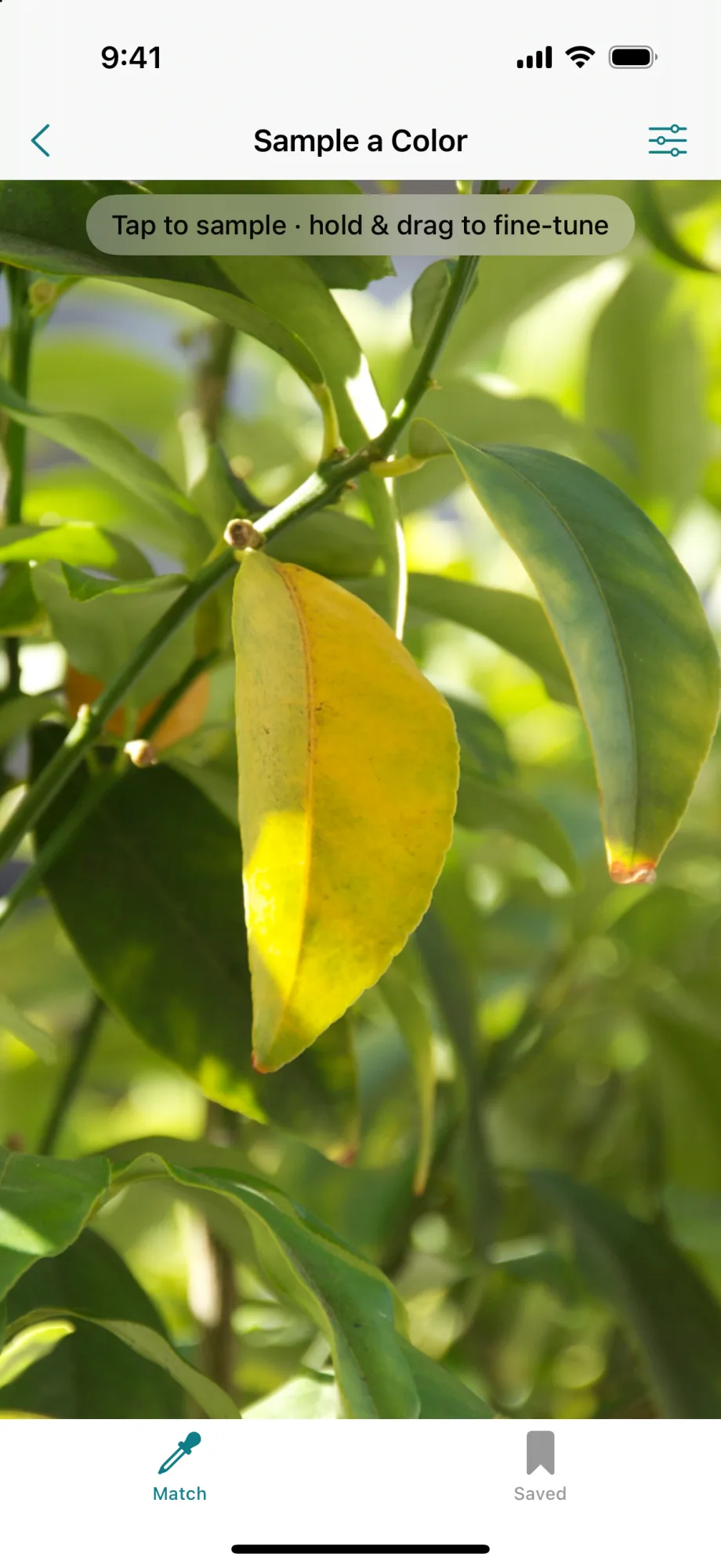
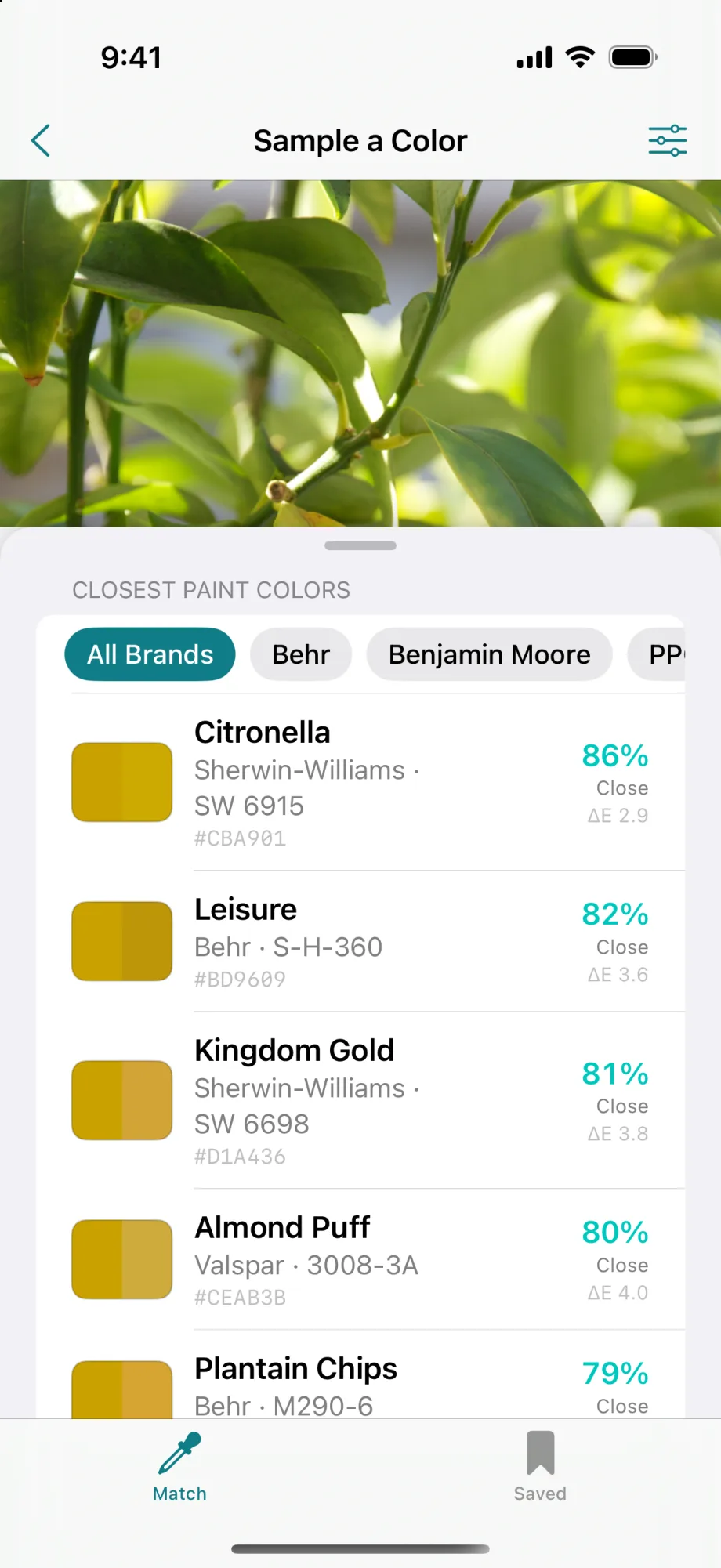
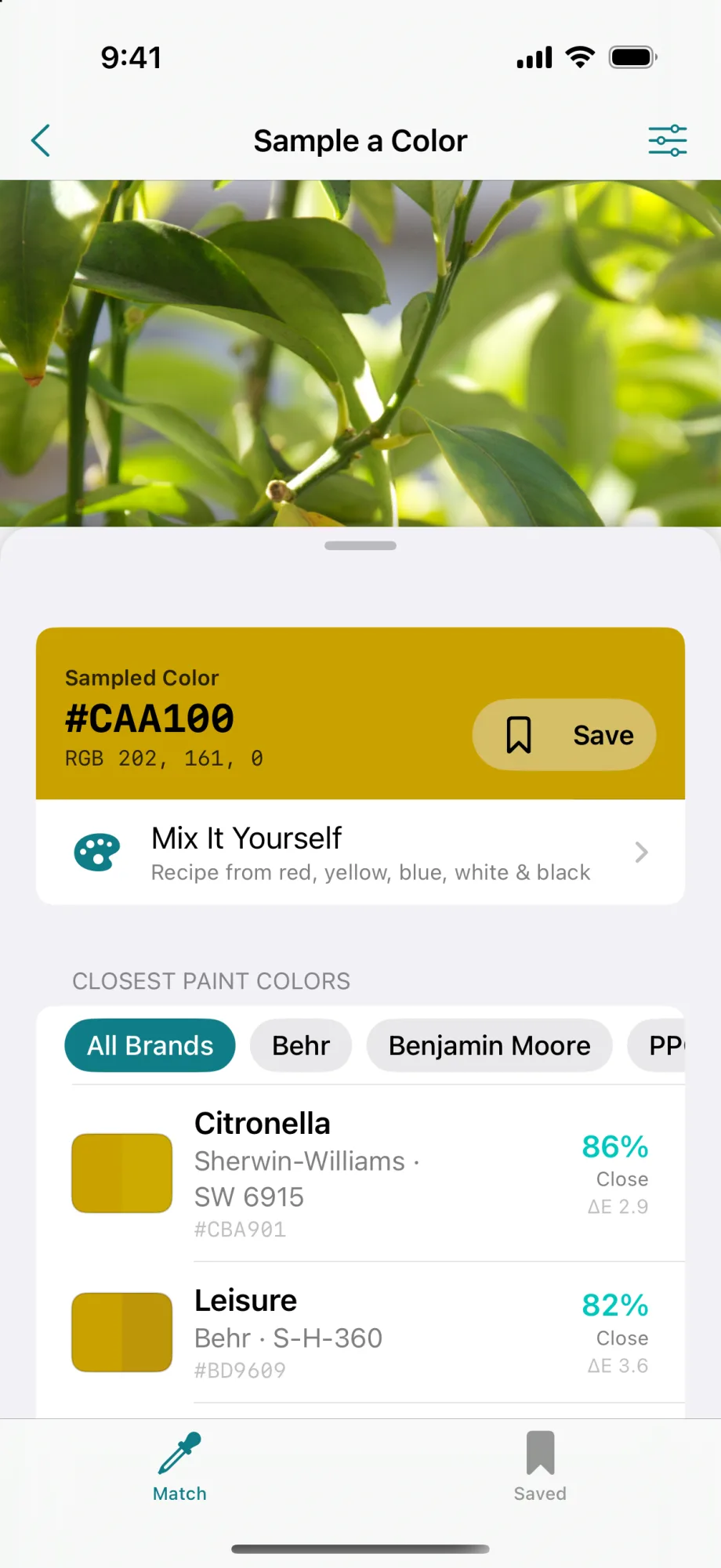
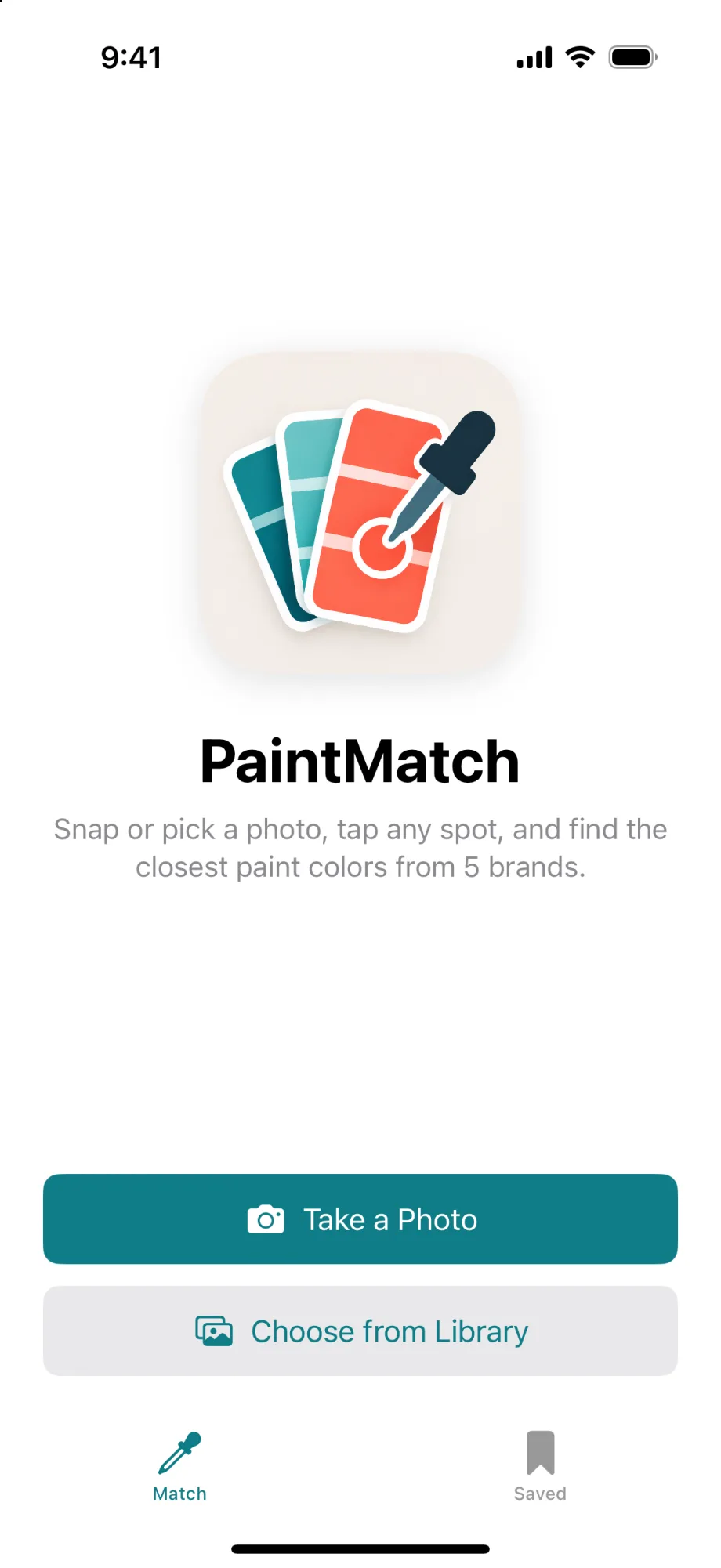
Take or choose a photo, tap any spot, and PaintMatch finds the closest colors from five major paint brands, along with the color’s values and a recipe to mix it yourself.
Tap the exact spot.
Tap or drag on the photo to sample a color, and pinch to zoom in on small details. The app averages a small area of pixels around the tap, which smooths out camera noise and surface texture. The sample size is adjustable.
- Camera or library
- Pinch to zoom
- Adjustable sample size
Matched the way people see color.
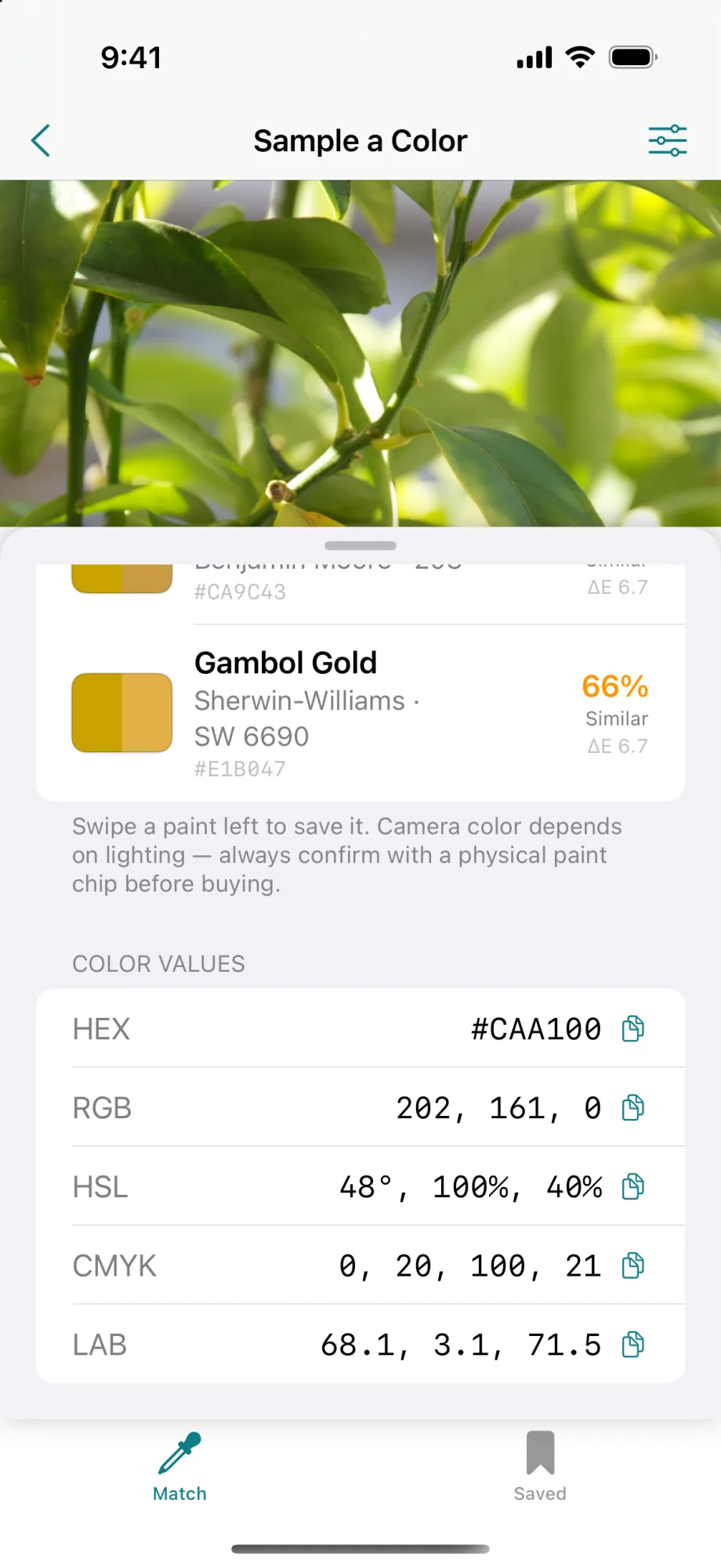
The sampled color is compared against about 14,000 paint colors, ranked by how close they look to the eye. Each match shows a percentage and a plain-language label, and the list can be filtered by brand. The color’s values can be copied with one tap.
- 5 paint brands
- Match percentage
- Brand filter
- HEX, RGB, HSL, CMYK, LAB
Correct for the room’s light.
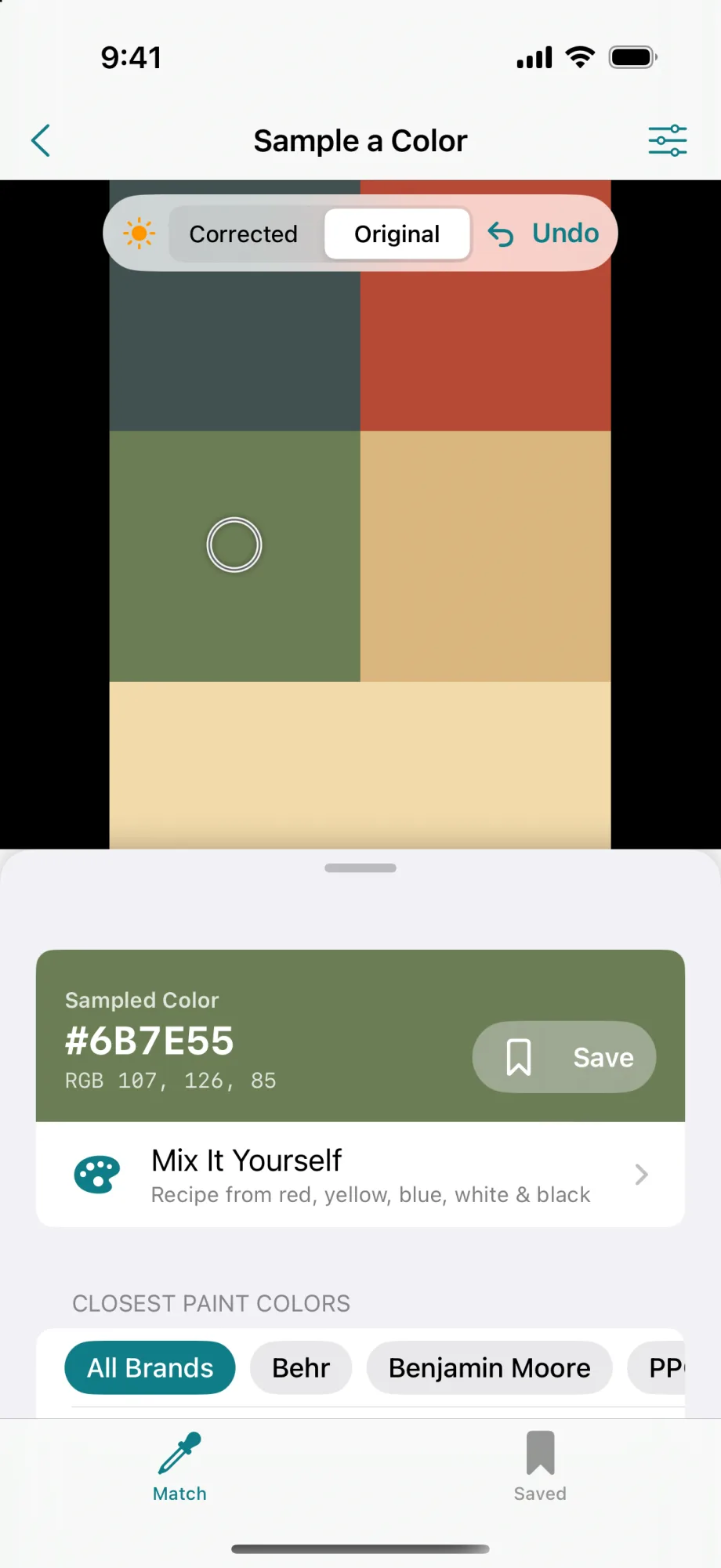
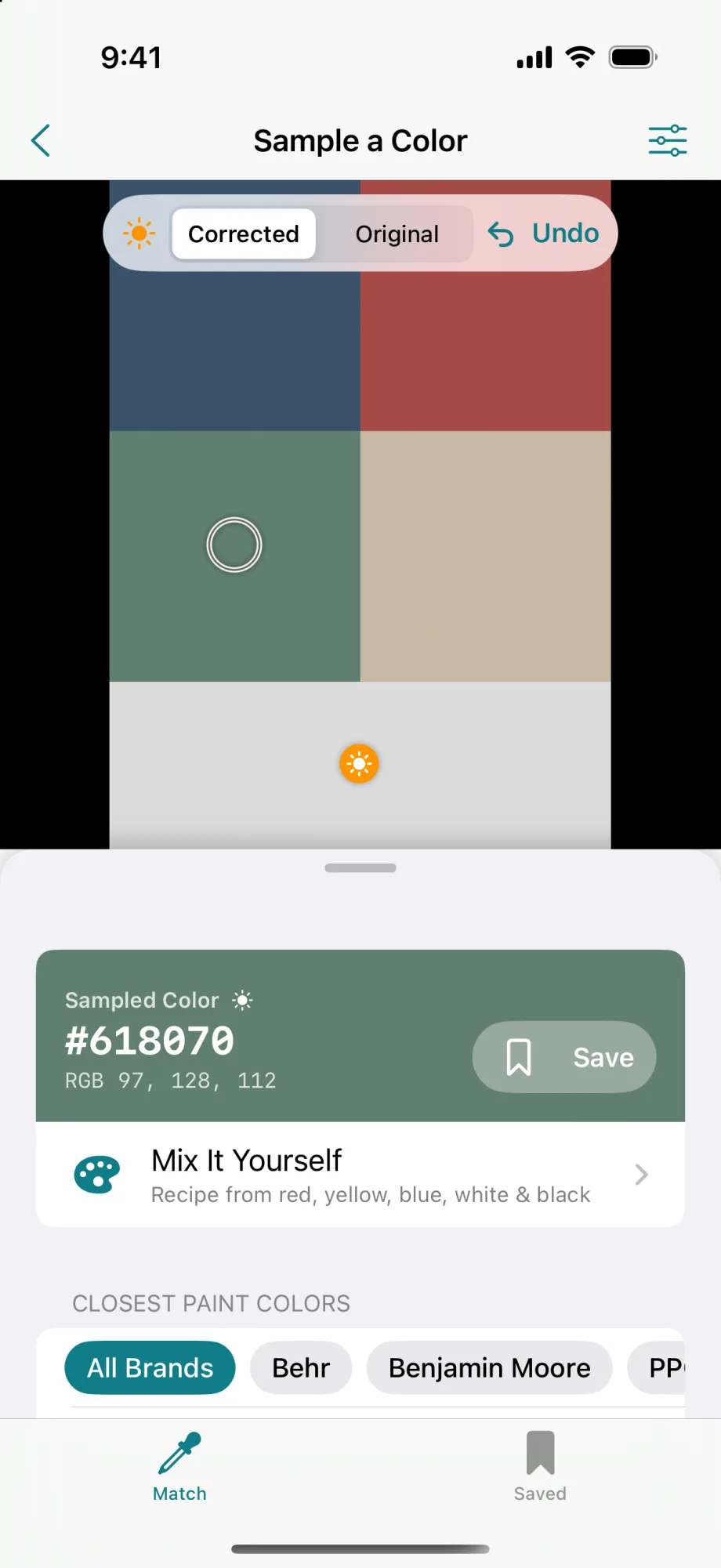
Lighting shifts how a camera sees color. Tapping something white or grey in the photo gives the app a reference, and it corrects the whole image to match. A toggle switches between the corrected and original photo.
- White balance
- Corrected or original
- Undo
A recipe to mix it yourself.
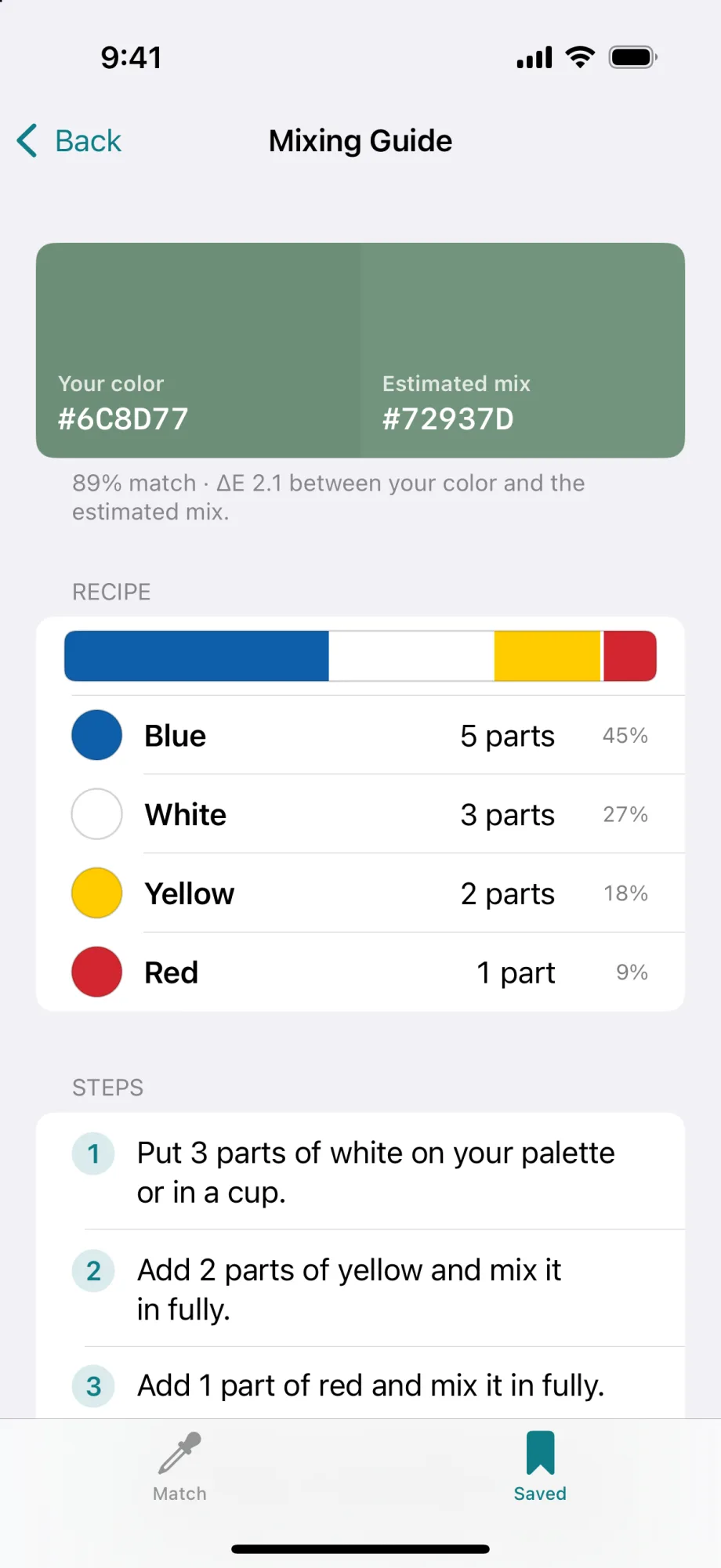
The mixing guide turns any color into a recipe of red, yellow, blue, white and black, with parts, percentages and step-by-step instructions. It also shows the estimated result next to the original, so it’s clear how close the mix will get.
- Parts and percentages
- Step-by-step
- Estimated result
Colors and palettes, kept together.
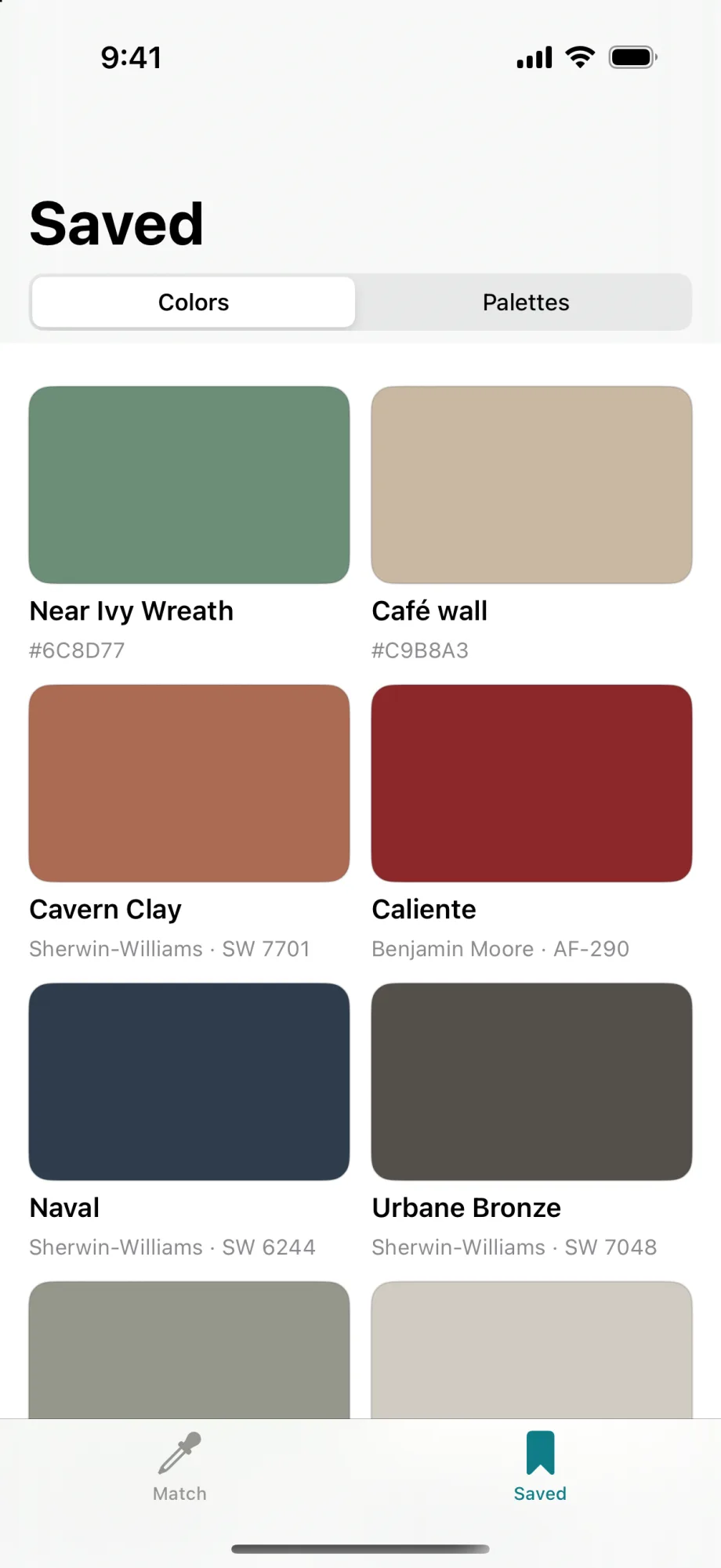
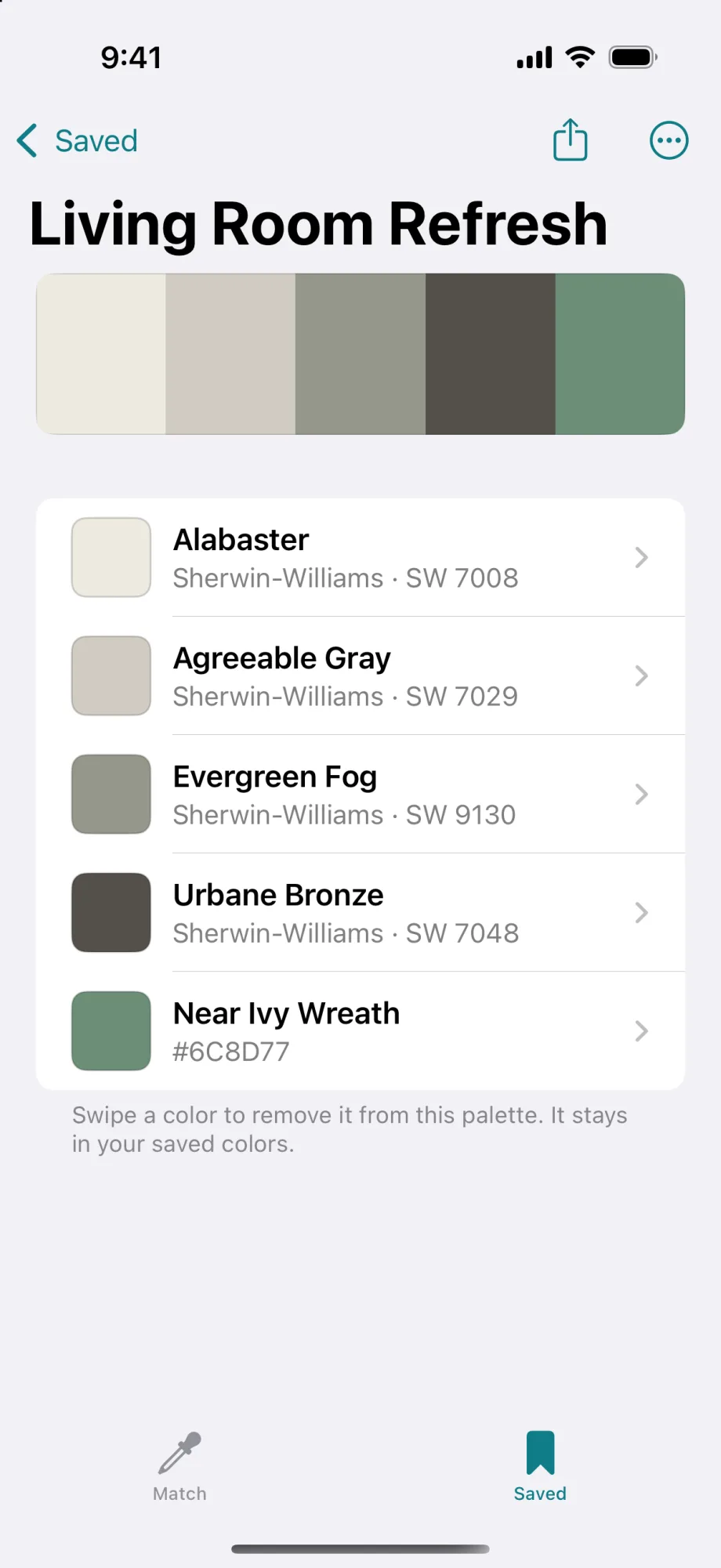
Saved colors keep their notes and closest paints. They can be grouped into palettes for a room or project and shared from the app.
- Saved colors
- Palettes
- Notes
- Share
Honest about what a photo can do.
A starting point
Cameras and lighting shift color, so the app recommends confirming a match with a physical paint chip before buying.
No account, no network
Matching and saving happen on the phone. The paint catalog ships with the app.