All work
Design Systems · DesignOps

Medscape Design System

Leading the system, tooling, and workflow that help every Medscape team ship consistent products.

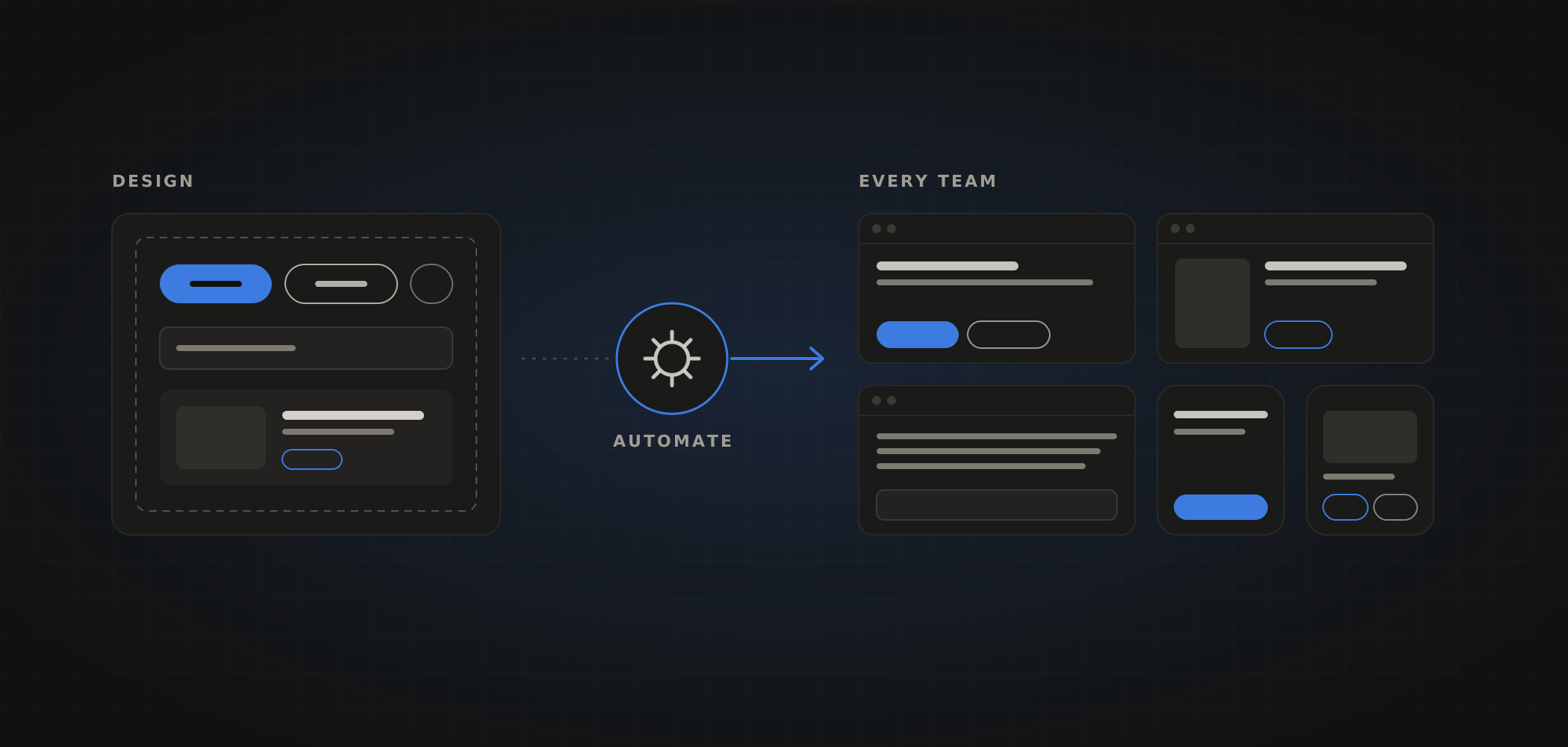
Illustration of components designed in Figma flowing through automation into products used by many teams
Organization
WebMD / Medscape
Role
Lead UX/UI Designer, Design System & DesignOps
Focus
Components, tokens, tooling, workflow

Medscape’s product teams historically worked independently, each with its own files, patterns, and component decisions. As a senior designer, I pioneered a design system to unify those teams and wrote a proposal for adopting DesignOps principles across design and development.

Today I lead the design system team. We design components in Figma, move that work into production through automation tools we built, and support the teams across web and app who use the system every day.

The system continues to evolve, so this case study focuses less on its specifications and more on how it works and the problems we have solved along the way.

How it works

From Figma to every product.

The system follows one path from design to production. Select a step to learn more.

Problems solved

Making the system work for everyone.

A system is only valuable if teams can rely on it. These are some of the challenges we have taken on.

01 · Multi-brand

One system, many brands

The problem
We design for several different brands, each with its own identity. Maintaining a separate system for each one would multiply the work for designers and developers alike.
The solution
We built a system that supports multiple brands while unifying the underlying code and structure. Brands share the same components, and each brand’s look is applied on top, which keeps the system easy to design for and maintain.
SharedComponents, structure, and code
Per brandColor, typography, and shape

Illustrative example brands. Select one, or let it cycle.

02 · Tooling

Token packaging

The problem
Getting design tokens out of Figma and packaged in a form development teams could use was a manual step that slowed every update.
The solution
We built a Figma plugin that packages tokens directly from the library, so token updates move toward production through the same automated workflow as components.
Figma library
color / text / primary color / surface / default color / border / subtle Aatype / heading / large radius / full space / medium
Token package
{  "color": { … },  "type": { … },  "radius": { … },  "space": { … }}
Reading the library…

Simplified illustration. Token names are examples.

03 · Organization

One library became three

The problem
As the system grew, keeping everything in a single library made it harder to find the right component, maintain it, and publish updates with confidence.
The solution
We split the system into three focused libraries: a core library for the foundations everything is built on, a web components library, and an article body library for editorial content.
03 · App teams

A library built for app teams

The problem
App development teams work differently from web teams, and needed the entire system available in one place.
The solution
We created an app library that brings everything together in a single library, tailored to how app teams design and build. Switch the example to App teams to see the difference.
App library
Foundation

Core

The shared foundations, such as color, type, and icons, that every other library builds on.

Components

Web components

Interface components used to build Medscape’s web products.

Content

Article body

Components designed specifically for editorial article content.

Web teams use the three libraries separately, so each can be maintained and updated independently.

04 · Adoption

Rolling out to more teams

The problem
We continue to bring the system to more teams while it keeps evolving. Finding the best way to roll out updates, so teams benefit without disrupting their work, is a challenge we are constantly working on.
The solution
We roll the system out team by team and keep refining how updates are planned, communicated, and released, with documentation and training to help each team adopt them.
Onboarding teams

Illustrative. Teams join over time, and each update reaches every team on the system.

My role

What I bring to the system.

  • Lead the design system teamSet direction and priorities, and guide the team’s work across components, foundations, and tooling.
  • Design and review componentsDesign components in Figma and review contributions for consistency and quality.
  • Partner with engineeringWork closely with development teams as they bring the system to production, weigh in on how components are built, and pitch in on development work from time to time.
  • Improve the workflowIdentify bottlenecks between design and development and help build the tools that remove them.
  • Run Design OperationsEstablish and maintain the guidelines and templates that keep work consistent across teams.
  • Train and support teamsTrain internal teams on updates and resources, and partner with external software vendors on our needs.
Speaking

I have presented this approach as a workshop speaker at the Rosenfeld Media DesignOps Summit. The principle behind it guides all of my work: designers should understand what their engineering partners can build, and the system should make that understanding the default.

Get in touch to discuss design systems or DesignOps.